Zoom App UI Redesign
A modern and user-friendly interface for online meetings, focusing on clarity, accessibility, and seamless communication. Designed to improve usability for video calls, chat, and scheduling.
Role
UX/UI Designer
Industry
Zoom App
Duration
3 months
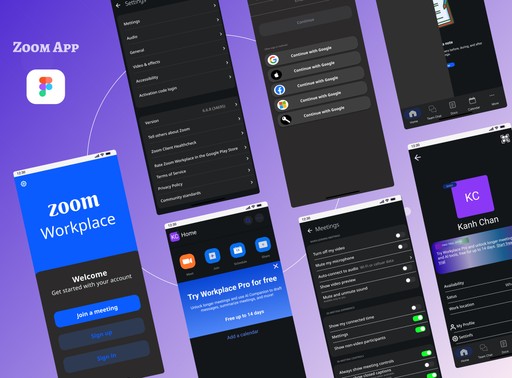
Stage 1: Usability Audit
The project began with a comprehensive usability audit of the Zoom mobile app to evaluate its effectiveness during real-time meetings. I conducted heuristic evaluations, reviewed user feedback, and analyzed common usage patterns to identify friction points.
The audit highlighted key issues in meeting control accessibility, navigation clarity, and feature discoverability, especially for first-time and non-technical users. These challenges often increased cognitive load during live meetings.
Stage 2: Design Strategy
Based on the audit insights, I developed a redesign strategy focused on:
Simplifying the meeting flow and navigation
Improving visibility and hierarchy of meeting controls
Enhancing accessibility and ease of interaction during calls
A structured design roadmap was created, separating immediate usability improvements from long-term feature enhancements, ensuring a scalable and user-centered redesign approach.
Stage 3: Prototype Development
Wireframing
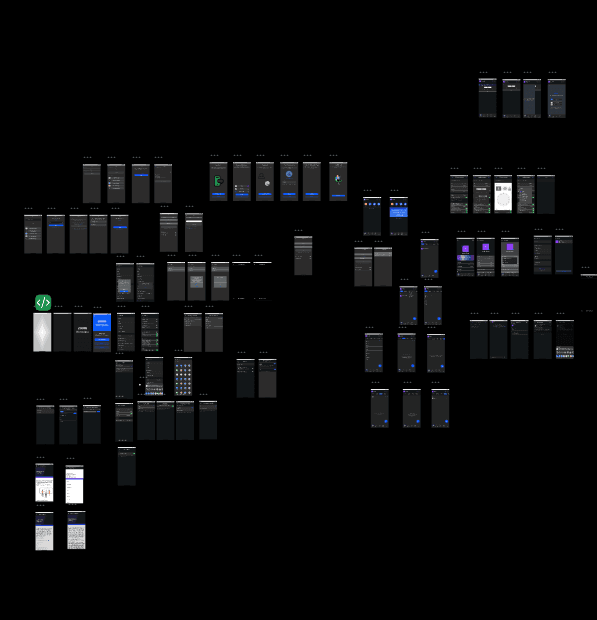
Core Zoom app screens and user flows were redesigned to address usability issues identified in the audit. The wireframes emphasized a clear, distraction-free meeting experience, reducing cognitive load while keeping essential controls easily accessible.
High-Fidelity Prototyping
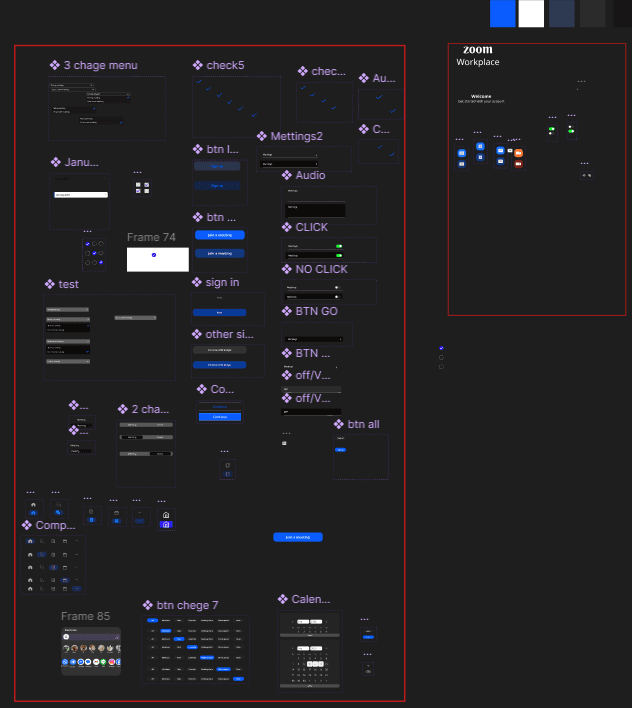
High-fidelity prototypes were developed using Adobe XD, translating the wireframes into realistic, interactive designs. The prototypes maintained Zoom’s familiar design language while introducing cleaner layouts, improved spacing, and clearer visual feedback.
User Interface Design
The UI refresh focused on visual clarity and accessibility, using balanced color contrast, consistent iconography, and readable typography. The redesigned interface supports quick decision-making during meetings, ensuring functionality without overwhelming the user.
Stage 4: User Feedback & Refinement
Usability testing sessions were conducted with a diverse group of Zoom users, including students, remote workers, and first-time users. Participants were asked to complete key tasks such as joining meetings, managing in-call controls, muting/unmuting, screen sharing, and ending sessions.
User feedback highlighted areas where clarity could be further improved, particularly in icon recognition, button placement, and visual feedback during interactions. Based on these insights, iterative refinements were made to:
Improve control visibility during live meetings
Reduce accidental taps through better spacing
Enhance accessibility with clearer labels and contrast
These iterations ensured the redesigned interface aligned closely with real user expectations, resulting in a more confident and stress-free meeting experience.
Stage 5: Implementation & Launch Support
To ensure design feasibility, I collaborated closely with the development team throughout the implementation phase. Design specifications, interaction guidelines, and responsive layouts were provided to maintain consistency across devices.
During development, I supported the team by:
Clarifying UX logic and interaction behavior
Adjusting UI components to match technical constraints
Ensuring design integrity from prototype to final build
Following the redesign rollout, user feedback and engagement metrics were monitored to evaluate performance. Early insights indicated improved task completion speed, control discoverability, and overall user satisfaction, providing a strong foundation for future iterations and feature enhancements.
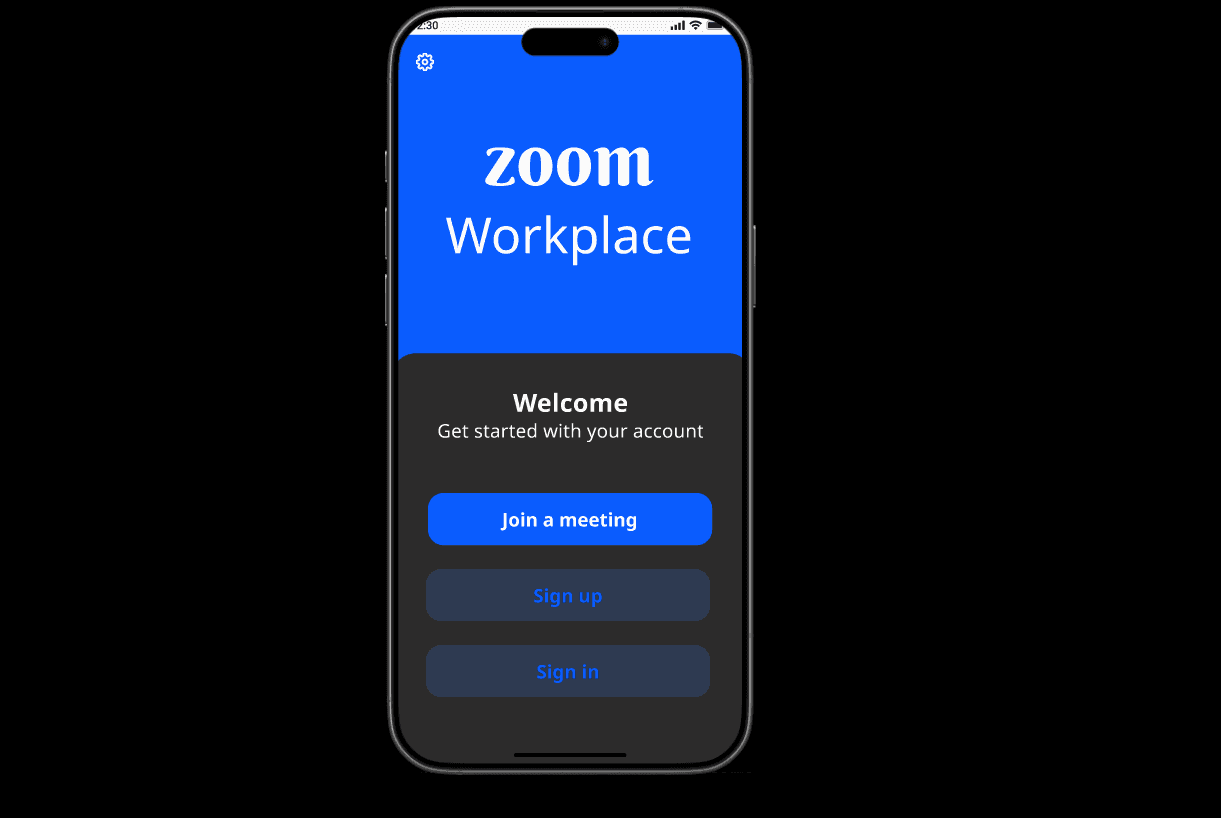
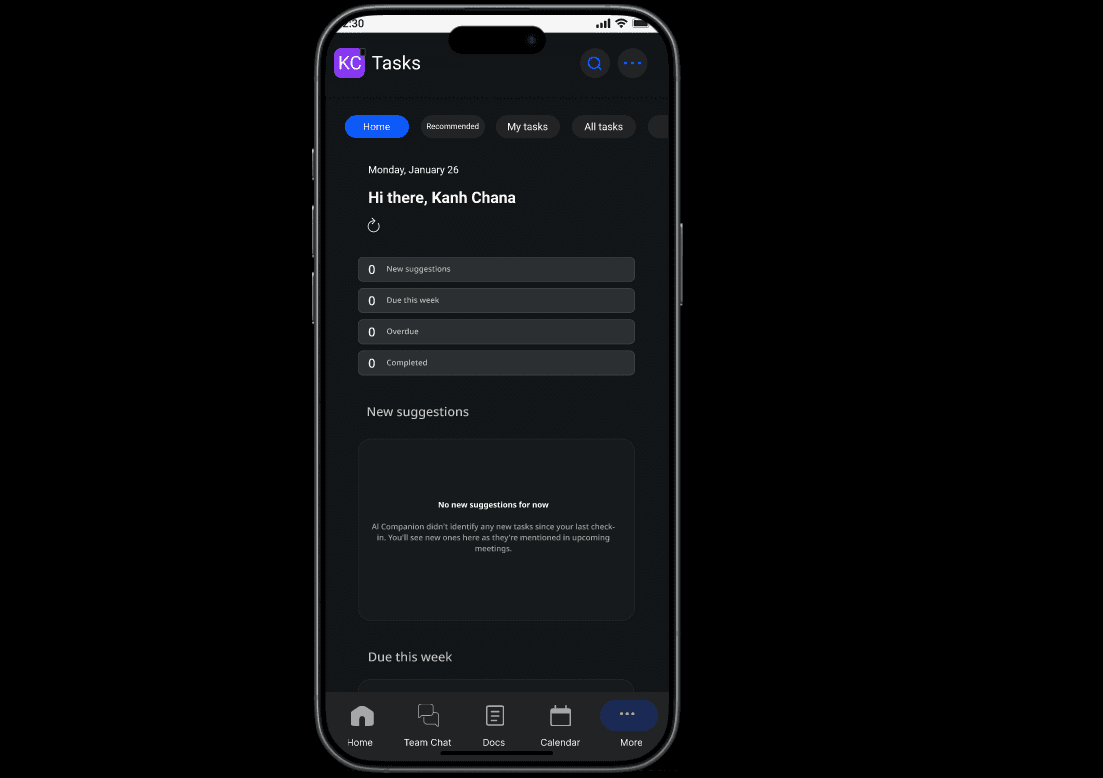
Overall UX/UI Impact (Zoom App)
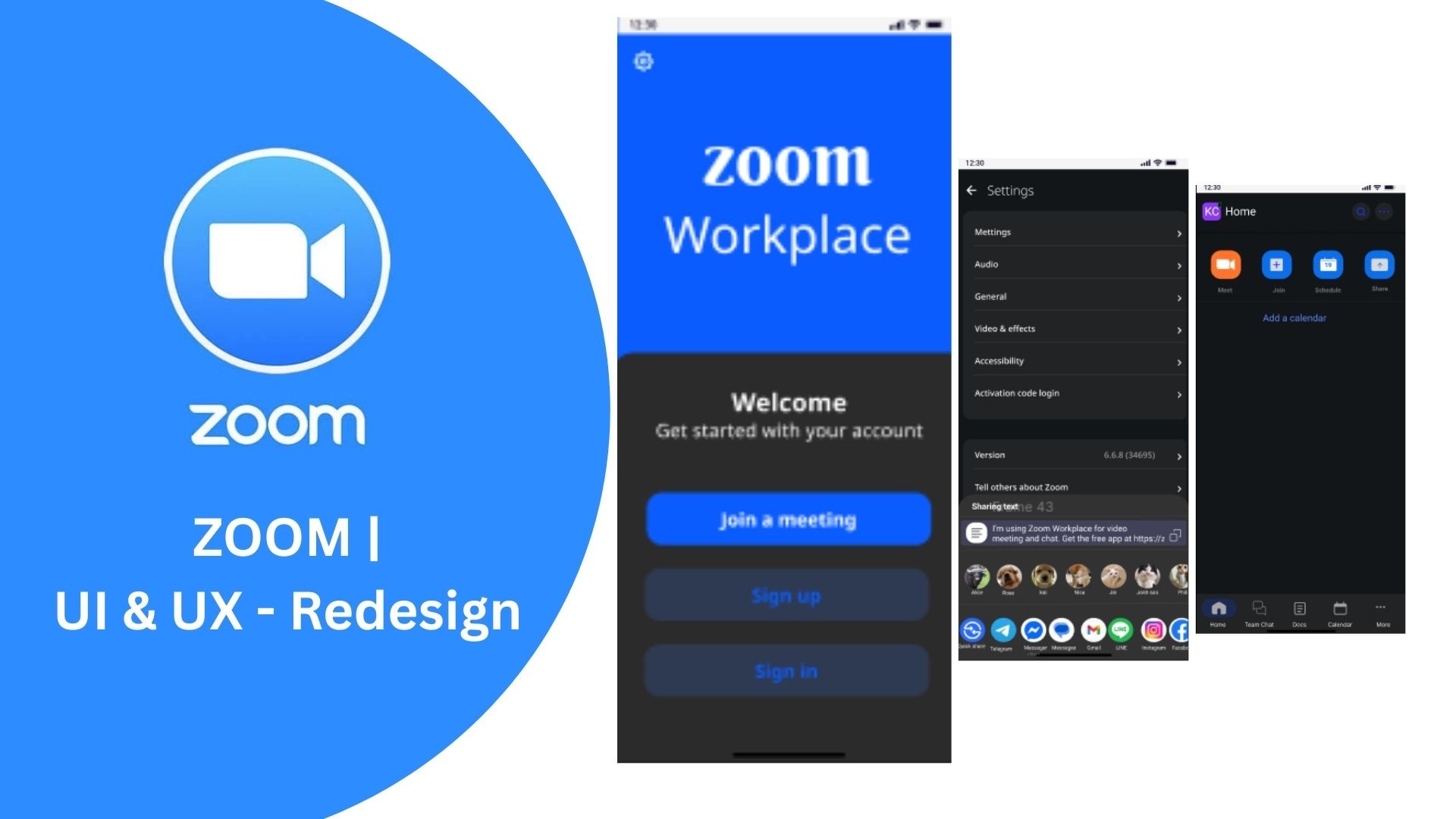
This project demonstrates a user-centered UX/UI process, from usability auditing to post-launch evaluation. The redesigned Zoom app delivers:
Clearer meeting controls
Reduced cognitive load during calls
Improved accessibility and visual hierarchy
Ultimately, the redesign supports smoother communication experiences while maintaining Zoom’s familiar identity.
Other projects
Personal UX/UI & Graphic Design Learning Journey
Designing a mobile app to connect food enthusiasts through shared dining experiences, from concept to prototype.
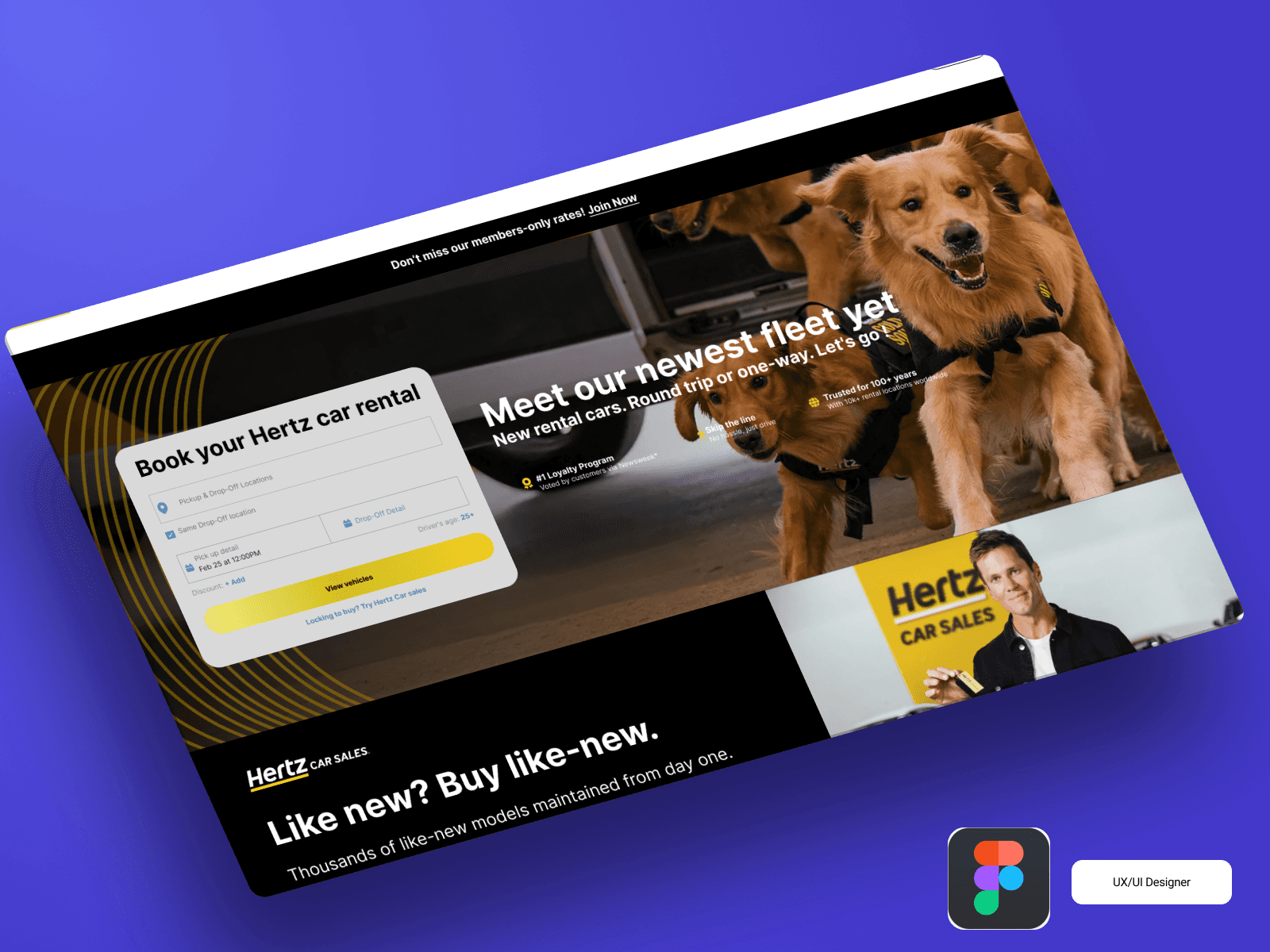
Hertz – Car Rental Website UX/UI Case Study
Project Overview This project is a UX/UI redesign concept for the car rental company Hertz. The goal was to create a modern, user-friendly, and efficient booking experience that improves usability, clarity, and conversion rate.